Contents
Use Kiro Crew’s Ultra Mode when you have two or more independent tasks that need separate chats, clear completion criteria, and progress records that persist after the conversation ends. Subagents are sufficient for parallel work that simply returns results to the parent chat.
Key Points#
- In Ultra Mode, a conductor assigns work to separate worker chats and checks completion criteria.
- A shared work ledger preserves assignments, reports, and decisions through context compaction and restarts.
- Workers can report completion, but they cannot change acceptance criteria or approve their own work.
- Ultra Mode is a preview feature in version 0.12.0, with a default limit of six concurrent tasks per goal.
What Ultra Mode Changes#
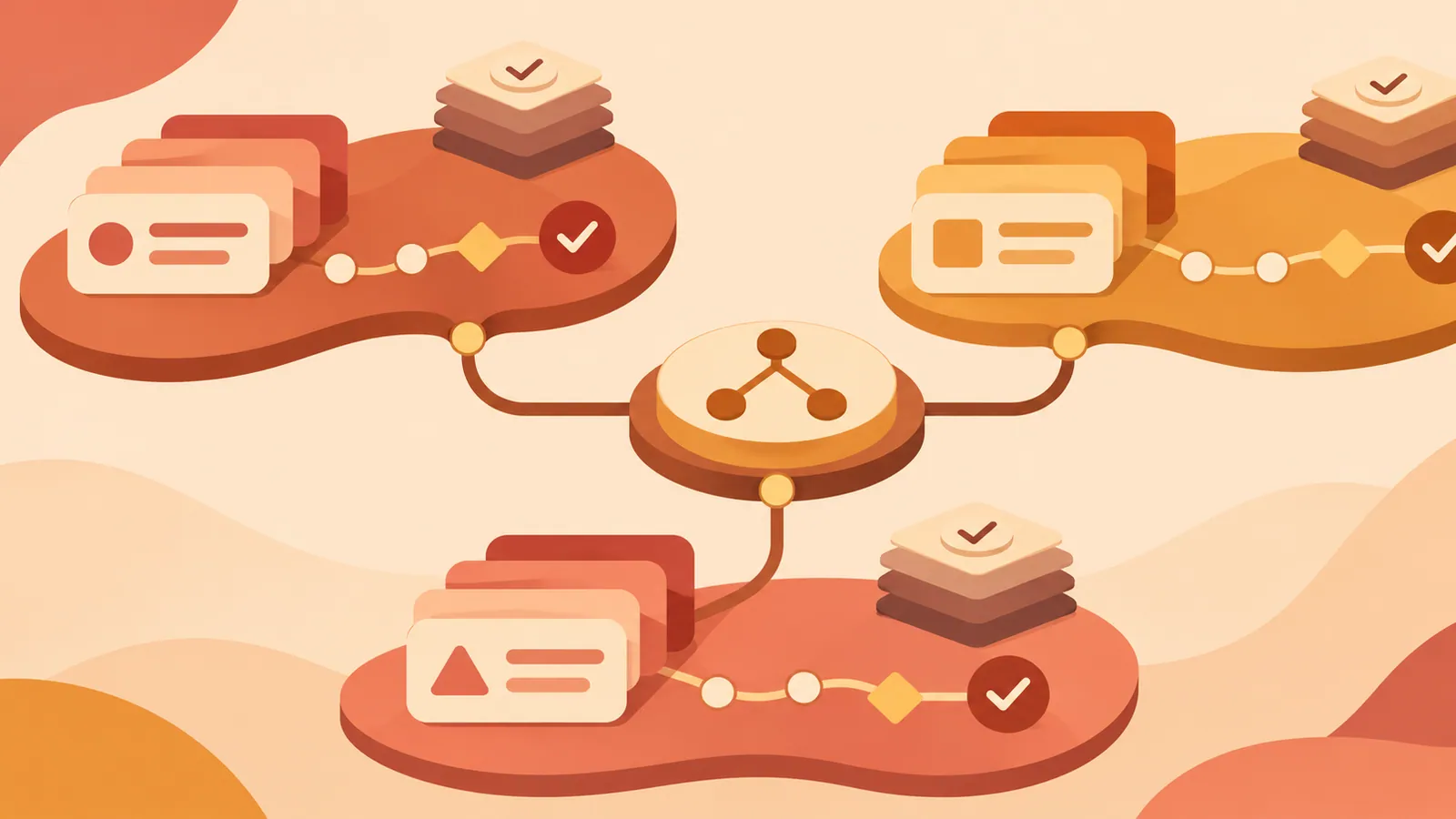
Introduced in Kiro Crew 0.12.0 on November 5, 2026, Ultra Mode separates coordination from execution. When you give the conductor a goal, it creates tasks, records acceptance criteria in the work ledger, and assigns each task to a worker chat. Workers also report through that ledger.
The default conductor, kirocrew-conductor, has neither dedicated file-writing tools nor general-purpose coding tools. It has shell access for checking acceptance criteria and managing periodic checks, but this requires approval by default. This tool setup supports its role as a coordinator.
The dashboard displays ledger information on a board, including work that needs your attention. Worker chats appear in the board’s Workers tab rather than the regular session list, while the main chat remains in the list.
Choose the Right Workflow#
Use Ultra Mode when tasks can proceed without waiting for one another, completion criteria can be defined before work begins, and progress needs ongoing tracking. Separate research or implementation tasks, each with clear acceptance criteria, are a good fit. If you have only one suitable task, a regular chat is usually simpler.
| What You Need | Best Option | |---|---| | Receive parallel work results in the parent conversation | Subagents | | Keep separate worker chats and persistent task records | Ultra Mode | | Complete one small task | Regular chat | | Track clear acceptance criteria across multiple tasks | Ultra Mode |
Subagents return full conversations or excerpts to the parent, which interprets the results. Ultra Mode workers submit a status, a summary of up to 500 characters, and artifact locations to the ledger. The conductor then evaluates the acceptance criteria separately. Ledger records persist through context compaction, restarts, and the closure of worker chats.
Enable It and Try It#
If Kiro Crew is already installed, run kirocrew update, followed by kirocrew restart. Updating alone leaves the running service on the previous version. In the dashboard, open Settings → Developer → Feature Preview and enable Ultra Mode, which is off by default.
Start a new chat, select Ultra Mode above the input field, and submit a narrowly scoped goal. On a Linux server using systemd, the following is a useful first request.
> Check this server’s disk usage and failed systemd services. Write a short report on each. Use no more than two worker chats. Keep all work read-only: do not send data externally, change settings, or delete files.
You can turn Ultra Mode off again before sending the first message. After sending it, you cannot switch to another agent from the chat screen. Converting an eligible existing regular chat to Ultra Mode is also irreversible, so use a new chat to try it out.
Define Completion Criteria First#
The ledger separates conductor-managed fields from worker reports. The conductor manages task names, acceptance criteria, verdicts, and task states. Workers report progress, blocked, question, or done. The last three wake the conductor within seconds; progress reports do not.
Available acceptance criteria types include passing PR checks (pr_checks), merging a PR (pr_merged), the existence of a path (file), and human approval (human_approval). There is no type for the successful execution of an arbitrary command. For test-based acceptance, use the task’s PR checks.
Treat the board’s “Completed” label with care. It may include workers that have reported done before the conductor has accepted and closed their tasks in the ledger. With human_approval, your decision is still required. For many unmet criteria, the conductor asks whether to continue once the 24-hour waiting limit is reached, but human approval has no such deadline.
Be Ready for Approval Requests#
By default, every task assignment requires approval so you can review the worker’s initial instructions. Approval may also be required for worker tool use, the conductor’s shell-based evaluation of acceptance criteria, and closing worker chats. Your first trial may involve several approval decisions.
Selecting “Trust this crew member” lets that worker use tools without further confirmation until Kiro Crew restarts. Keep approvals enabled during your first trial to understand what each worker requests.
The default limit of six concurrent tasks is strictly enforced. Additional tasks cannot be created until a slot opens. By contrast, the default guideline of 20 tasks per goal only triggers a notification. A task is closed after three failed acceptance evaluations, while other work continues.
Next Steps#
Create one new Ultra Mode chat, submit the read-only request above for two reports, and review both worker reports before approving completion.
Source: https://zenn.dev/aws_japan/articles/kiro-crew-ultra-mode
Contents