Contents
Ammaar Reshi, who leads product and design at Google AI Studio, says he ran Windows 11 locally on an iPhone Duo using a project built with Gemini 4 Carbon. The foldable screen makes it look like a small laptop, but setup requires a Mac, Xcode, and a debugger.
Key Points#
- According to Reshi, WindowsiOS runs the desktop ARM64 version of Windows 11 locally on an iPhone Duo without jailbreaking.
- The demo places Windows on the upper half of the folded screen, with a keyboard and trackpad on the lower half.
- Reports say the project allocates 4.5GB of memory and four virtual CPUs to Windows.
- Setup requires an Apple Silicon Mac, Xcode, a Windows ARM64 image, and a debugger connection to enable JIT execution.
What the Demo Showed#
In a post on November 11, 2026, Reshi demonstrated Windows 11 with touch support on an iPhone Duo. According to the supplied report, this is a local installation of the desktop ARM version of the OS, rather than a remote connection to another computer.
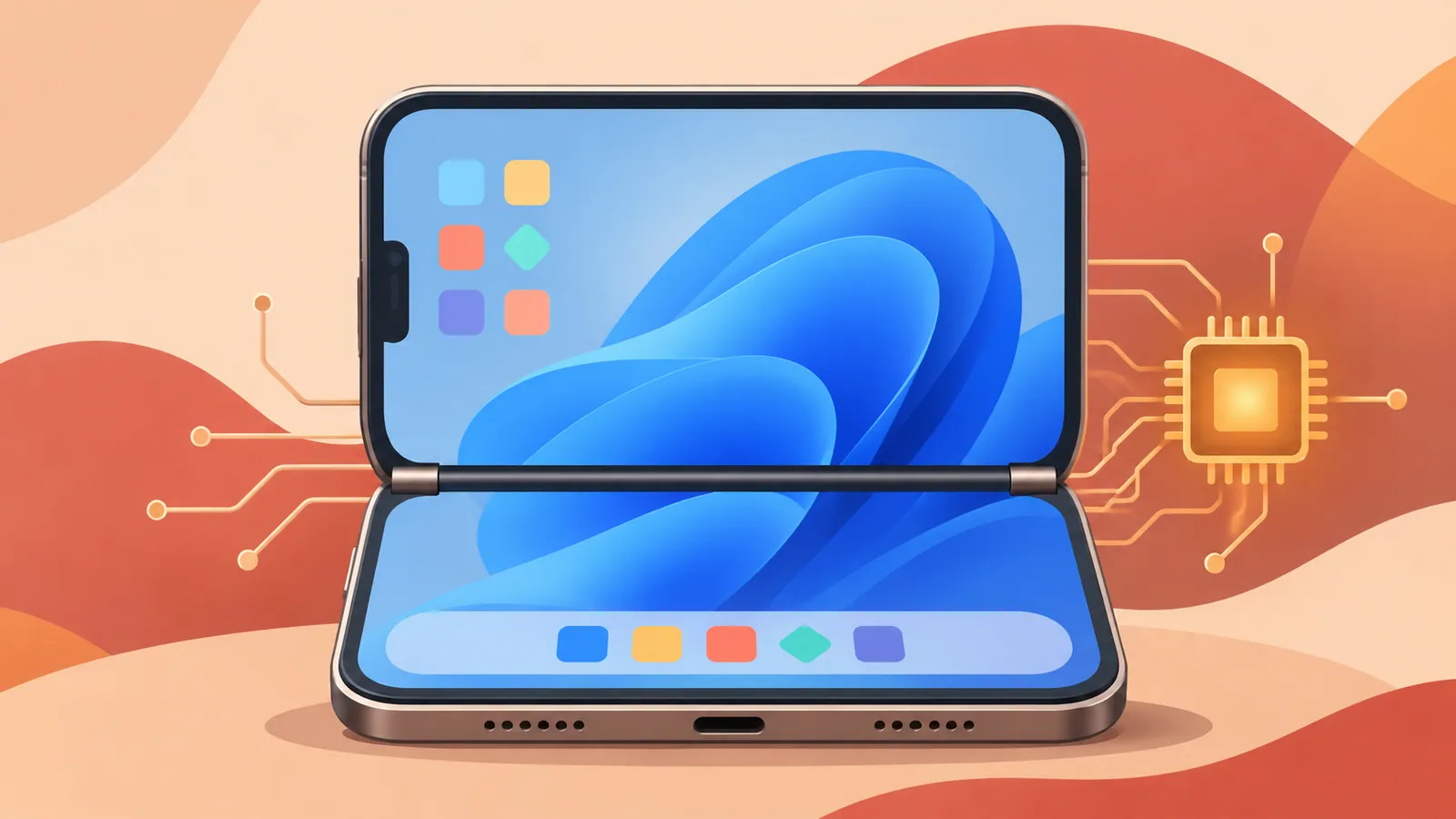
The most practical aspect of this demo is the foldable screen. When the device is opened halfway, the upper half displays the Windows desktop, while the lower half becomes a software keyboard and trackpad. This creates a laptop-like setup without separate input devices, but the report includes no measurements of typing comfort or usability over extended sessions.
The video also shows Microsoft Edge opening Google AI Studio and a voice request to Antigravity to create a web page. These demonstrate the workflow Reshi presented, but do not establish how reliably other Windows applications run.
How WindowsiOS Works#
Reshi released the project on GitHub as WindowsiOS. According to documentation cited in the report, the verified configuration is an iPhone Duo running iOS 27 and the retail ARM64 version of Windows 11 24H2. These are the versions used in the reported tests, not a claim that this is the latest Windows release.
WindowsiOS is based on Henge, an emulator that runs macOS on iPhone. Because iOS does not expose a hypervisor to apps like this, the project uses custom just-in-time compilation to translate ARM64 code. Running an ARM OS on an ARM smartphone therefore does not give Windows direct access to the hardware.
The project also provides the virtual hardware Windows needs, including UEFI, ACPI, NVMe storage, USB keyboard input, audio, and networking. It also supports Windows’ 4KB memory pages. According to the report, the repository credits Gemini 4 Carbon with building this virtual environment, but the supplied materials alone do not independently establish how much human implementation or correction was required.
What the Numbers Tell Us#
The reported configuration allocates 4.5GB of memory and four virtual CPUs to Windows. Idle memory usage is said to be 1.46GB after removing background apps, telemetry, and Microsoft Defender.
That figure needs context. It measures idle usage in a modified environment, not memory consumption during development or web browsing. Removing Defender also changes the security configuration, so this result should not be treated as a recommended Windows setup for everyday use.
According to the report, the project supports Windows’ Prism translation for x86-64 applications. However, compatibility still needs to be verified for each application. The supplied report includes no independent benchmarks, battery measurements, sustained performance assessments, or broad compatibility testing.
What Setup Requires#
This is a development project that requires manual setup. The reported installation process has four main steps.
1. Prepare an Apple Silicon Mac with Xcode. 2. Obtain a Windows 11 ARM64 installation image. 3. Build WindowsiOS and install it directly on the iPhone from the Mac. 4. Connect a debugger to enable JIT execution and start the Windows environment.
The project reportedly works without jailbreaking and is available under the GPL-2.0-or-later license. However, the project’s license does not waive Windows licensing requirements.
For developers interested in emulation, this demo offers a concrete project to explore. For anyone who simply wants a pocket-sized Windows computer, however, setup is demanding and evidence of performance remains limited. The foldable interface is appealing, but that alone does not establish that a smartphone can replace a laptop.
Next Steps#
Before attempting a build, read the latest installation instructions and open issues in the WindowsiOS repository, and check whether your iPhone model and iOS version are supported.
Source: https://smhn.info/202611-windowsios-windows-11-iphone-duo-gemini-4-carbon
Contents