Contents
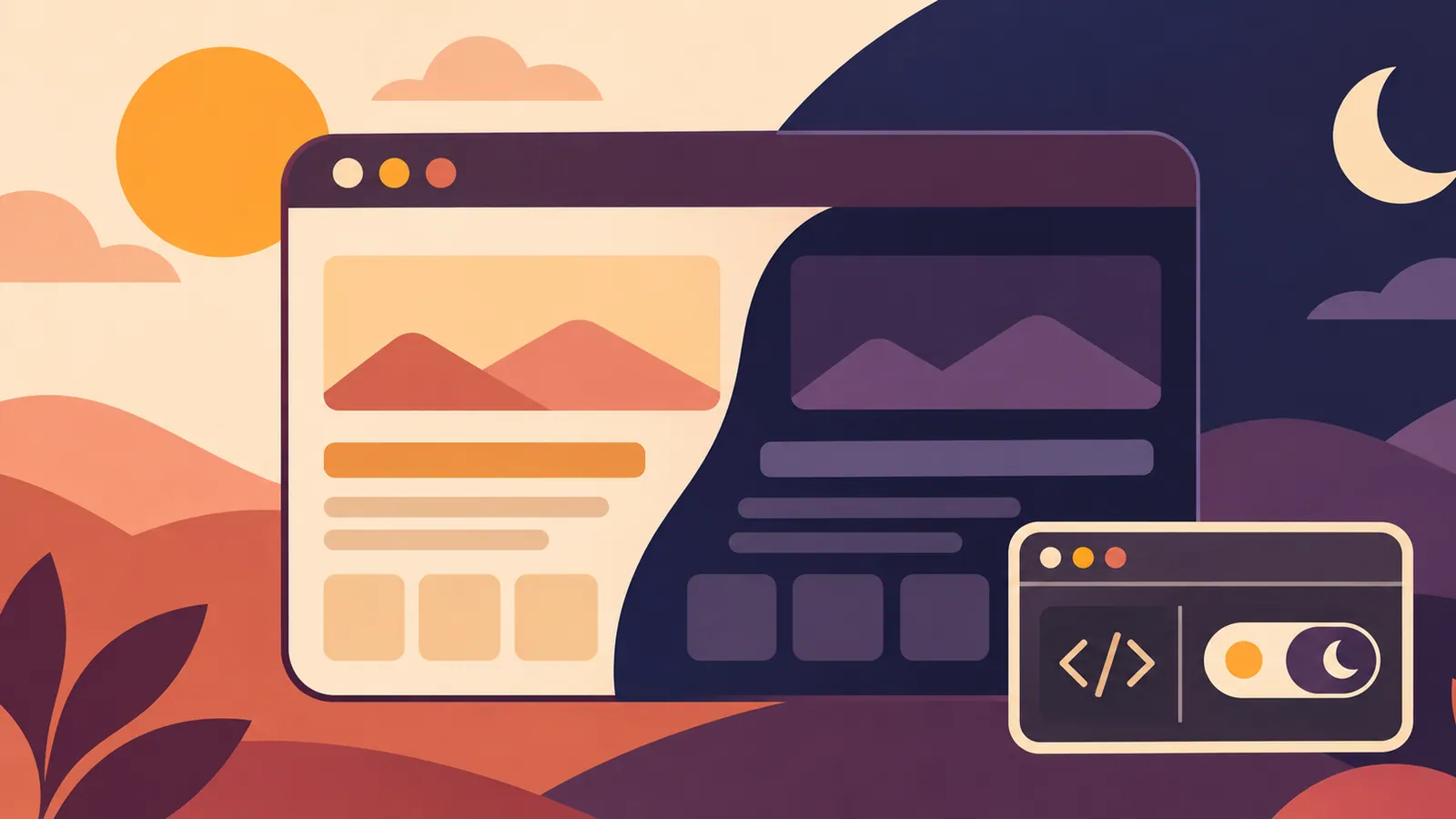
Safari 27.3 beta can display light websites in dark colors even when developers have not provided a dark theme. The new Adaptive Dark Mode feature is opt-in, and developers should test how their pages look before relying on automatic color changes.
Key Points#
- WebKit announced Adaptive Dark Mode for Safari 27.3 beta on November 3, 2026.
- With the OS appearance set to dark, you can enable it by selecting “Try” in Safari’s preview.
- Safari adjusts page colors and contrast, leaving most images unchanged.
- Developers can declare support for their own dark mode with
color-scheme, but the documented opt-out declaration does not yet prevent automatic conversion in beta 1.
What Safari Changes#
Adaptive Dark Mode addresses the problem of websites with light backgrounds staying bright even when the OS appearance is set to dark. When users enable this feature, Safari can convert those pages to a dark color scheme.
Safari analyzes pages that do not declare dark mode support through color-scheme. It leaves pages that already have dark backgrounds and light text unchanged. On light pages, it inverts lightness while preserving hue and adjusts contrast to keep text readable.
Most images retain their original appearance. Some logos and icons have their colors adjusted if they would be hard to see against a dark background. Testing therefore needs to include checking images and branding. Not every asset will necessarily appear unchanged.
How to Try It#
Use Safari 27.3 beta and set the OS appearance to dark. Open a website with a light background that does not declare its own dark mode support.
Safari displays an Adaptive Dark Mode preview. Select “Try” to enable it. The announcement explains this activation process, but you will need to check the installed beta for other controls and availability.
A page containing text, links, form controls, and logos is a good starting point for testing. Check that it remains readable after conversion and that important visual distinctions, such as the difference between selected and unselected controls, are preserved.
Declaring Your Own Dark Theme#
Automatic conversion is useful for users, but developers who want to manage their own colors need to provide a dark theme and declare support for it. Safari does not change the colors of sites that declare dark mode support through color-scheme.
For pages that support both appearances, add the following declaration to the HTML document’s head.
<meta name="color-scheme" content="light dark">This declaration alone does not create a dark color scheme. Define the actual background and text colors in CSS using features such as @media (prefers-color-scheme: dark) or light-dark(). Alternatively, declare color-scheme: light dark on :root or body. For sections with their own themes, apply the declaration and corresponding styles to those elements. WebKit recommends including the declaration in the initial HTML or CSS, rather than adding it later with JavaScript, so Safari can render the page correctly from the start.
Privacy and Beta Limitations#
Safari does not notify websites whether Adaptive Dark Mode has changed their colors. When JavaScript reads CSS color values, Safari returns the original values specified by the site, rather than the converted colors. According to WebKit, this avoids adding clues that could be used to identify or track users.
Developers therefore need to inspect the rendered page directly. Reading color values with JavaScript cannot show what users actually see after conversion.
WebKit also documents color-scheme: light only for pages or elements that need to retain a light appearance. To declare this for an entire page in HTML, use <meta name="color-scheme" content="light only">; in CSS, apply the same value to :root or specific elements. However, Safari 27.3 beta 1 does not yet support using this declaration to stop Adaptive Dark Mode conversion. Although this control is documented, its ability to prevent conversion will need to be verified in future builds.
Next Steps#
Open one representative page in Safari 27.3 beta, enable Adaptive Dark Mode through “Try,” and record any unreadable text, unclear controls, or affected logos.
Source: https://gihyo.jp/article/2026/11/safari-adaptive-dark-mode
Contents