Contents
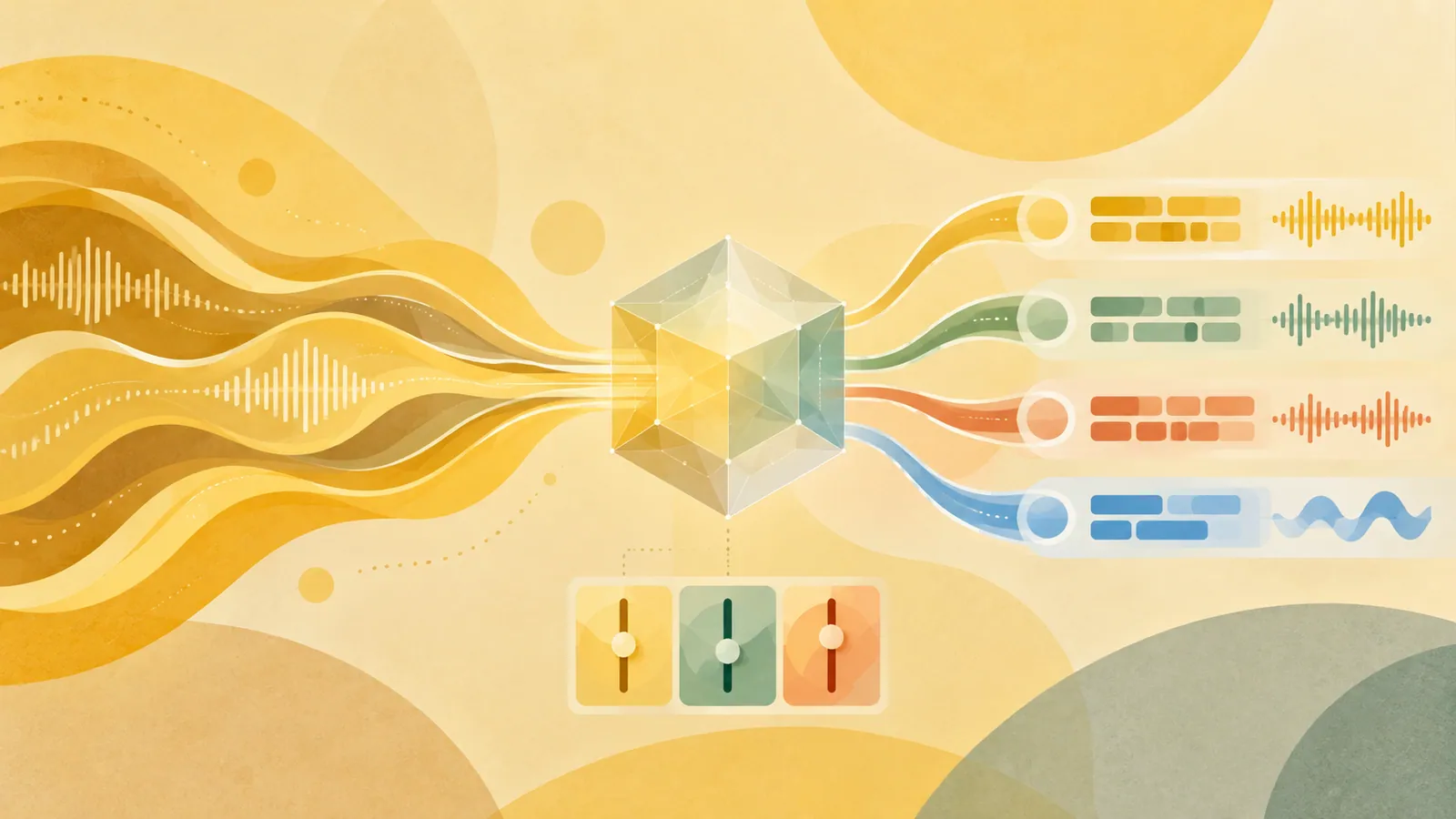
NVIDIA Nemotron 3.5 Transcribe combines multilingual transcription, speaker labels, translation, and audio question answering in one open-weight model. Start by specifying the language and output format in your prompt, then adapt it with Granary v2 and NeMo Speech if vocabulary recognition errors persist.
Key Points#
- Supports transcription in 40 languages, bidirectional translation between 31 languages and English, and speaker diarization in 13 languages.
- Processes recordings up to one hour long with up to eight speakers, but is designed for recorded audio rather than live streaming.
- Granary v2 provides manifests covering 463,062 hours across 48 languages and a reusable pipeline for preparing training data.
- In NVIDIA’s medical case study, word error rate on held-out data fell by 45.8% relative to the best-prompt baseline, while performance on general English worsened slightly.
What the Model Can Do#
Released on October 28, 2026, Nemotron 3.5 Transcribe lets developers request different outputs from the same checkpoint. Instructions can request speaker-labeled transcripts, English translations, or answers to questions about a recording. Word-level timestamps support features such as searchable playback of recorded classes.
Task support varies by language. Support for transcription in 40 languages does not mean translation or speaker diarization is available in all of them, and audio question answering is trained in English. Check the model card’s language-by-task support table before adopting it for a multilingual application.
Checkpoints are available on Hugging Face and ModelScope. Deployment options include vLLM for serving, NeMo-Speech.cpp for local execution, and hosted endpoints from providers listed in the release information. NVIDIA reports that it runs on a single NVIDIA GPU, but you still need to verify memory requirements and throughput for your workload.
Start with a Precise Prompt#
Before considering training, specify the language, writing system, and transcription conventions. NVIDIA’s example instructions for medical audio list candidate terms such as “HbA1c” and “metformin,” request standard spellings, and specify that these terms should be used only when supported by the audio.
Make the following choices explicit.
- Keep or remove filler words.
- Write numbers as words or use standard numeric notation.
- Preserve the original language or translate into English.
- Include speaker labels and timestamps as needed.
Evaluate prompts on representative recordings. In NVIDIA’s medical study, specifying English and the Latin script reduced word error rate (WER) across the benchmark from 30.8% to 23.8%. This supports trying prompt changes first, but does not establish that other domains will see the same improvement.
What Granary v2 Provides#
Granary v2 provides data manifests and a reusable curation pipeline built with NeMo Curator. The public release covers 48 languages and 16 source corpora. These figures describe the public dataset, not the model’s full training data composition.
The pipeline creates explicit reference transcripts. From the same utterance, it can generate versions such as “I paid, uh, twenty-five euros,” “I paid, uh, €25,” and “I paid €25.” This matters for applications that need consistent formatting as well as accurate recognition. The manifests also include provenance, quality flags, contextual terms, and labels for derived tasks.
Use the public manifests or apply the pipeline to recordings you are authorized to process. The source audio must be downloaded separately under each corpus’s original license. Granary’s HiFi stage excludes segments containing noise, clipping, or multiple speakers for uses that require cleaner audio. This subset may not represent challenging meeting recordings.
When Fine-Tuning Makes Sense#
Fine-tuning becomes useful when even a carefully crafted prompt still misses recurring vocabulary, accents, or formatting conventions. NVIDIA’s medical recipe combined approximately 153 hours of synthetic speech, 29 hours of accented English, and 63 hours of medical recordings.
The strongest evidence came from an evaluation split with no speaker overlap. On 2,764 held-out clips, WER fell from 22.44% with the best prompt to 12.17% after adaptation, a relative reduction of 45.8%. Keyword WER also fell from 9.2% to 6.5%. The larger gains across the full benchmark include clips used for tuning, so use the held-out results to assess generalization.
There was also a tradeoff. WER on LibriSpeech test-clean rose from 1.54% to 1.69%. Maintain an independent check on general speech alongside domain-specific evaluations. NVIDIA recommends at least 100 labeled real-audio clips for checkpoint selection. Evaluate names, drug brand names, units, and other named entities important to your application separately.
Read Benchmarks Carefully#
The release reports an average English WER of 5.33% on the Hugging Face Open ASR Leaderboard and an AA-WER of 2.8% on Artificial Analysis. Their evaluation methods differ, so these figures should not be compared directly. Speaker diarization has separate metrics; transcription accuracy alone does not tell you whether speech was assigned to the correct person.
Throughput figures also require checking the conditions. NVIDIA reports processing 100 hours of audio in under three minutes on a single RTX PRO 6000 Blackwell Server Edition GPU using NVFP4 precision, 30-second clips, and high concurrency. This measures batch throughput and does not guarantee response time for an uploaded hour-long recording. Test with the recording lengths you actually use, and manually review names, speaker transitions, and answers about the audio.
Next Steps#
Apply one fixed prompt to 100 representative labeled recordings, log transcription and terminology errors, and establish a baseline for model adaptation.
Source: https://huggingface.co/blog/nvidia/nemotron-transcribe-granary
Contents