Contents
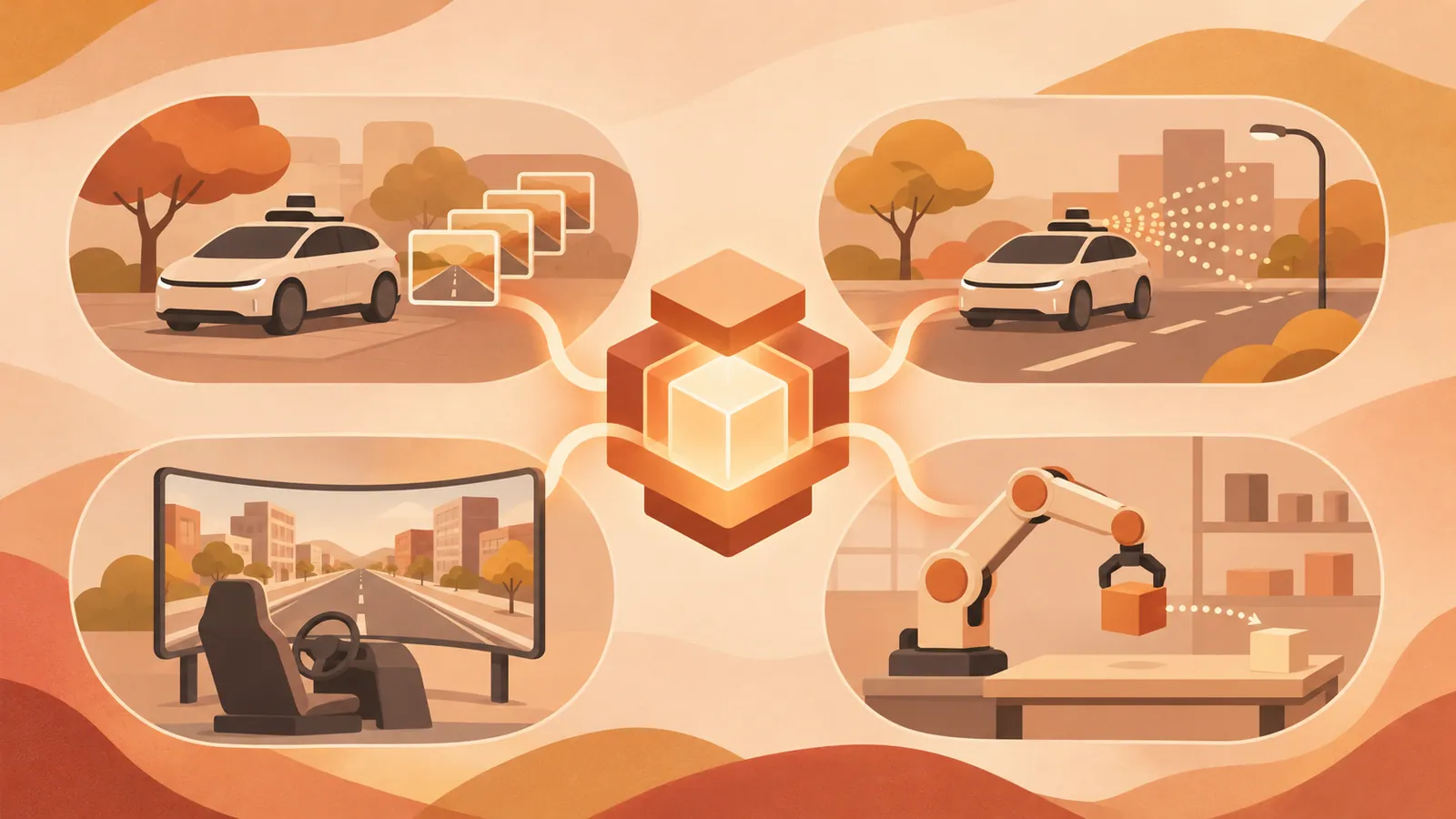
NVIDIA’s four new Cosmos 3 checkpoints support offline driving data, streaming driving observations, simulator rendering, and action-conditioned robot video. Choose based on the control inputs you already have, and validate the generated observations before using them for policy training or evaluation.
Key Takeaways#
- All four checkpoints are post-trained Cosmos 3 Nano models with 16 billion trainable parameters, available for commercial and noncommercial use under OpenMDW1.1.
- Transfer-Auto generates offline driving data with up to 11 views, including fisheye cameras, and optionally supports joint RGB and LiDAR generation.
- Sim-Auto streams driving observations, Sim-Transfer generates RGB from simulator control inputs, and Sim-Bimanual predicts video from robot or camera actions.
- You can adapt the models using the released weights and post-training recipes, but you need to check hardware requirements and suitability for policy training against your own workload.
Choose Based on Available Control Inputs#
Published on November 5, 2026, this release offers four interfaces. Start by checking what data your system can supply.
| Model | Required Initial Inputs | Expected Output | |---|---|---| | Transfer-Auto | Driving scene control inputs and text | Offline multiview driving data | | Sim-Auto | Updated driving control inputs and history | Camera and LiDAR observation streams | | Sim-Transfer | Spatial control inputs from a simulator and text | Generated RGB video | | Sim-Bimanual | Initial image and action inputs | Subsequent robot scene observations |
The practical difference is where the state comes from. Sim-Transfer relies on a simulator to compute the physical state. Sim-Bimanual predicts visual outcomes directly from actions and observations. Neither interface alone establishes that the generated video has the physical accuracy your application requires.
Start by Generating Driving Data#
Transfer-Auto generates synchronized video across up to 11 cameras. Per-camera World Scenario Map (WSM) control inputs specify scene structure and traffic motion, while text prompts guide weather, lighting, and appearance. Optional initial RGB images provide a reference for the scene’s appearance. Joint LiDAR generation also requires range-map control inputs from an aligned HD map.
For different camera layouts, LiDAR configurations, or driving domains, NVIDIA’s recommended procedure is to first adapt Transfer-Auto using your own data. You can then use the adapted model for offline generation or apply causal training and distillation to create a streaming model.
Sim-Auto is the causally distilled streaming version. It generates small chunks sequentially using updated control inputs and recent history. A closed-loop driving system separately requires a simulation runtime and WSM renderer to convert driving inputs into the next control inputs. The checkpoint alone cannot construct this entire loop.
Match the Robotics Interface#
Use Sim-Transfer when a physics simulator already computes motion, contact, and state. It takes spatial control inputs such as depth, segmentation, edges, and coarsely blurred appearance, along with text prompts, and generates RGB observations. The loop runs as follows: policy action → simulator update → spatial control inputs → generated image → next action.
Sim-Bimanual, meanwhile, starts from an image and predicts observations from robot or camera actions. The released checkpoint supports YAM and AgiBot bimanual robot configurations and can also handle sequences that alternate between viewpoint changes and object manipulation.
Treat compliance with the action schema as an integration requirement. The mixed-action example uses 59 control values, padded to 64 during training. Coordinate systems, rotations, gripper calibration, and validity masks are also defined. Preserve temporal alignment as well: T transitions require T+1 observations. The published action inputs for inference are already normalized.
Understand the Streaming Training Recipe#
Streaming generation predicts short chunks from control inputs and available history, decodes them into images, and retains attention information in a key/value cache for subsequent predictions. After the initial image, each latent timestep corresponds to four RGB frames. Smaller chunks allow new control inputs to influence generation more frequently.
The published adaptation recipe consists of four stages.
1. Bidirectional adaptation: Learn the relationship between domain-specific control inputs and video from complete recorded clips. 2. Teacher forcing: Mask the clean prediction targets and future observations, then predict chunks from earlier recorded observations. 3. Consistency distillation: Train the student model to generate each chunk in four denoising steps. 4. Self-forcing: Train using history generated by the student model itself to address errors that accumulate during rollouts.
These stages address different problems. Distillation reduces generation costs, while self-forcing exposes the model to imperfect generated context during training. Neither guarantees reliable long rollouts.
Verify Execution and Usefulness#
The published Sim-Bimanual setup requires Linux, an NVIDIA GPU, Docker, and the NVIDIA Container Toolkit. NVIDIA tested the vLLM-Omni configuration on a single GB200. This is a tested configuration, not a minimum memory requirement or a performance guarantee for other GPUs.
Before starting a long adaptation run, check the environment, validate one data sample, run a short training job, and test resuming it. Save complete training checkpoints. Exported inference weights do not include training state such as the optimizer.
Then evaluate episodes that were not used for training. For driving, check camera–LiDAR alignment and responses to scene control inputs. For robotics, check action timing and object consistency. A successful inference demo confirms that the system runs; it does not establish training convergence or reliable policy evaluation.
Next Steps#
Choose a checkpoint that matches your existing control inputs, and run the published inference example with the supplied sample inputs before preparing your own dataset.
Source: https://huggingface.co/blog/nvidia/cosmos-interactive-world-simulation
Contents