Contents
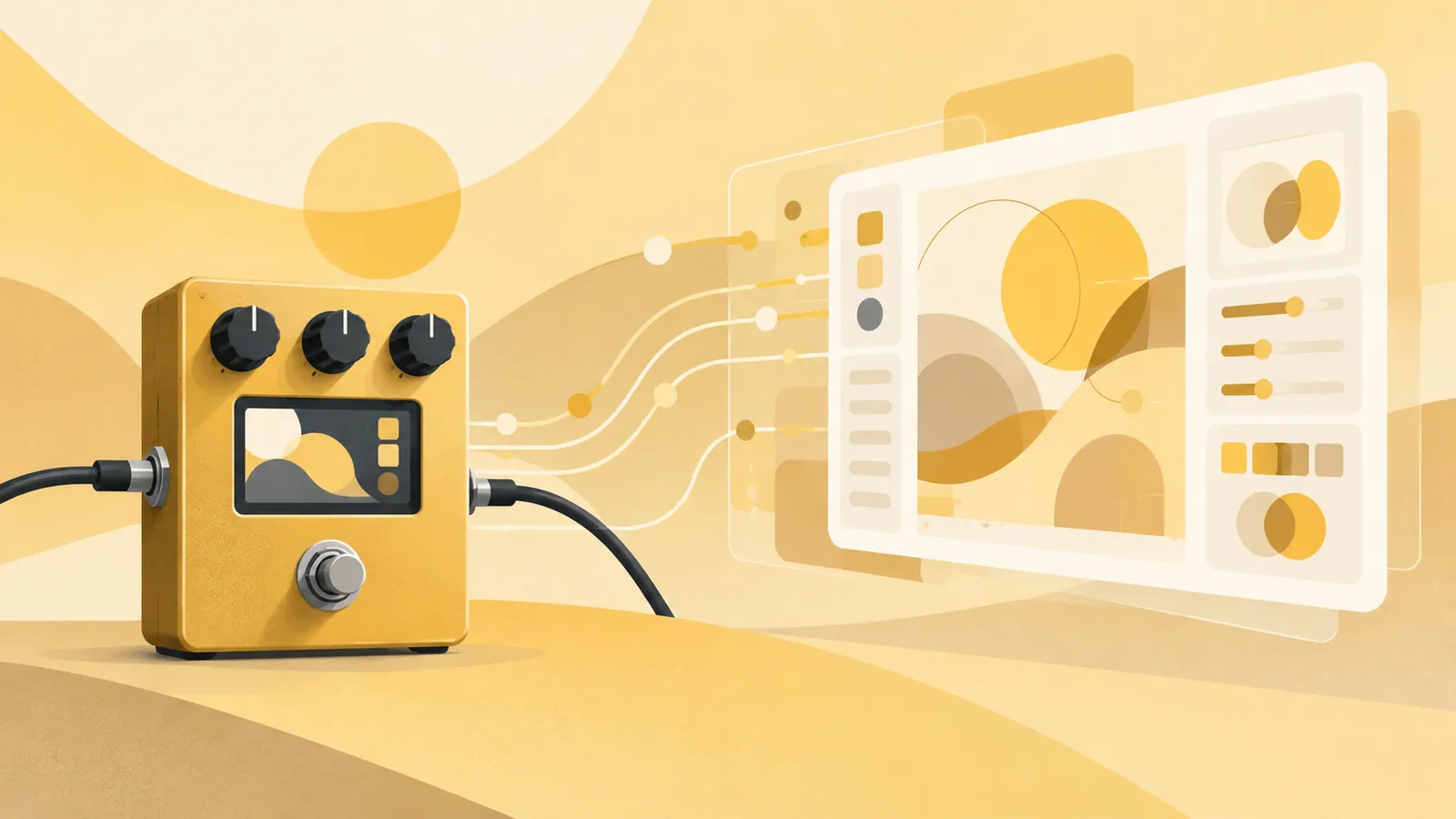
Getting a homemade program running on a guitar pedal’s tiny screen feels rewarding. But the interface looks unmistakably 1980s. Linus Torvalds wants to give it a modern look, but he does not write Java. His specialty is the kernel.
So he tried asking AI to generate some code. The first result, he says, was terrible. Even so, Torvalds says he enjoys using AI. He uses it as a tool to help with things he is not good at, rather than handing over entire tasks he already knows how to do.
At Open Source Summit Europe in Prague, Czechia, Torvalds discussed AI with his longtime friend Dirk Hohndel. While emphasizing the need for caution in Linux kernel development, he sees AI as useful for hobby programming and helping beginners try their hand at building things. His remarks offer some pointers on where to use AI and how to check its output.
Letting AI Handle the Parts You Cannot Do Yourself#
For a hobby project involving the microcontroller display on a guitar pedal, Torvalds had built his own user interface in C. He could write the program. Giving it a look that belonged in this century, however, was not his strength. Nor does he write Java.
So he asked AI for code to improve the interface’s appearance. The initial output was disappointing, but he could tell what was wrong with it. Comparing it with the parts he had written himself, he could separate the issues: the functionality was already there; what was missing was the visual polish.
With this approach, the aim is not to hand everything over to AI and receive a finished product. It is to get a starting point for work outside your expertise, then review and refine the output. The premise is that you experiment within a scope where you can check the code yourself.
Giving Beginners a Reason to Try Building Something#
Torvalds sees AI as a possible gateway to the enjoyment of programming. In the past, computers and software were relatively simple, and it was easier to appreciate the value of a small program someone had made on their own. Today, polished commercial software is everywhere, making personal projects more likely to look unimpressive by comparison.
AI can make it easier to tackle projects that would previously have seemed too difficult. Even without much experience building interfaces, you can start with something that works and ask AI for ways to improve its appearance. Even people who cannot write code from scratch may gain a way to start turning their ideas into something tangible.
That does not mean there is no need to understand AI-generated code. Mistakes in the output can do more than prevent it from running; they can introduce unexpected bugs. Before using it, check what has changed and why those changes are necessary.
Kernel Development Requires a Different Approach from Hobby Projects#
Torvalds is the Linux kernel’s maintainer, while many contributors handle the substantive day-to-day development work. He said that AI use requires great caution when it comes to important work on the kernel.
In a hobby project, you can try an AI suggestion and revert it if something breaks. But patches and bug reports submitted to the kernel require maintainers to review their contents and assess their impact. A flood of AI-generated output increases the burden on those reviewers. Code that looks plausible is not necessarily correct.
Deciding how to use AI therefore involves more than choosing whether to use it at all. You also need to consider who will verify the output and who will maintain the result. A small personal experiment and a kernel that many users depend on call for different levels of caution.
Start Small and Check the Output#
If you want to bring AI into your work, the following sequence is a practical approach.
- Choose a small task you already understand.
- Ask AI to help with work you find difficult or tedious preparation.
- Compare the output with the existing code or specifications and review the changes.
- Run it to check for problems, and leave out unnecessary changes.
For example, you could start by asking for simple visual touches to an interface or an explanation of existing code. A task where you can spot mistakes is a better starting point than immediately handing over an important feature. If you encounter parts of AI-written code you do not understand, ask for an explanation or an alternative approach. Then decide for yourself whether to use it.
Torvalds’s point is not that AI can do everything well. It can help with work outside your expertise and expand what you can do, while important deliverables still require careful scrutiny. What matters is defining the scope of what you delegate to AI and ensuring someone checks the output.
Start by choosing one small personal project and asking AI to help only with the parts you find difficult. Read the output, run it, and incorporate only what you are satisfied with. That approach makes it easier to judge whether AI is useful in your own work.
Source: https://japan.zdnet.com/article/35253465/
Contents