Contents
On November 11, 2026, Google released A2UI 1.0, providing a stable protocol for AI agents to return interactive interfaces within apps. Developers can let agents assemble forms, charts, and controls using approved components while keeping rendering within the app.
Key Points#
- A2UI sends structured UI descriptions as JSON, and apps render them using developer-defined components.
- Version 1.0 adds bidirectional function calls, support for combining catalogs, and specifications for accessibility and extension metadata.
- Renderer SDKs support multiple web and native frameworks, but Jetpack Compose still supported A2UI 0.9.1 at launch.
- Agent SDKs and a concise output format reduce the work required to generate and validate UI descriptions.
What A2UI Changes#
A2UI replaces some text exchanges with UI components that users can interact with directly. For example, instead of asking users to type into a chat for every change, an agent can return flight information alongside a passenger selector and a confirmation button.
The app still provides the surrounding interface and available UI components. The agent describes which components to use, what information to display, and which supported actions to perform.
Google develops A2UI as an open-source project with contributions from CopilotKit and the community. The source code is available in the a2ui-project/a2ui repository on GitHub under the Apache License 2.0.
How the Interface Reaches the User#
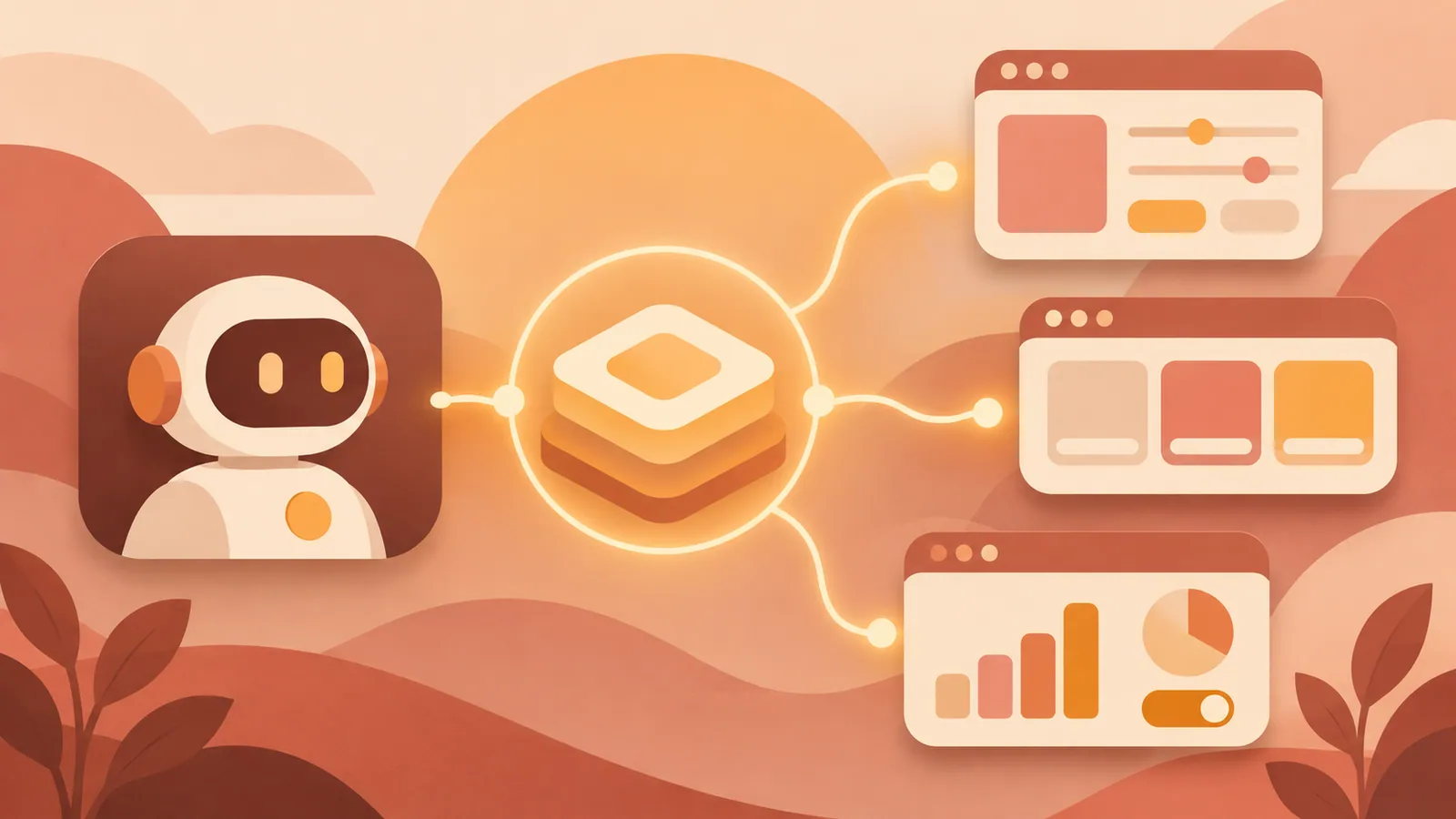
The central contract is the catalog, which defines the components and functions an agent can use, along with instructions for using them. Developers share this catalog with the agent and provide the corresponding components in the app.
When the agent receives a request, it generates a UI description based on that catalog. It sends structured JSON rather than generated HTML or JavaScript. The app’s renderer reads the description and displays the components provided by the app. With a suitable renderer, this approach works for both web and native apps.
A typical interaction proceeds in four steps.
1. The user requests a flight, specifying dates and the number of passengers. 2. The agent returns flight information, a passenger control, and a confirmation button. 3. The user adjusts the passenger count and presses the button. 4. The app sends the configured action and related information to the agent, which continues processing and updates the interface or data.
New Features in Version 1.0#
Bidirectional function calls let agents and renderers call each other’s functions and receive results or errors. For example, a renderer can call an agent-side function to check flight availability and use the returned results in subsequent interactions.
Version 1.0 also allows components and functions from multiple catalogs to appear on a single screen. Each catalog must target the same version of the A2UI specification. Teams combining shared controls with product-specific components need to check compatibility before integration.
The specification also adds accessibility support and extension metadata for passing additional information. Existing users should consult the migration guide for changes from the 0.9 series. A stable release does not mean existing implementations can migrate to 1.0 without review.
Choose SDKs Carefully#
At launch, A2UI 1.0 renderer SDKs were available for React, Angular, and Lit on the web, for Flutter across its supported app platforms, and for SwiftUI on iOS. The Android Jetpack Compose renderer still supported 0.9.1, with 1.0 support planned. Google was also working on A2UI 1.0 support in Gemini Enterprise.
Agent development SDKs are available for Python, TypeScript, and Dart. They generate model instructions from catalogs, validate model output against catalog definitions, and convert it into A2UI messages. The Express format lets models describe interfaces more concisely than JSON, and the SDK converts that output into JSON messages for the renderer. Token savings vary by interface and need to be measured.
The Python SDK also provides Macros for building reusable UIs on the server. Developers can also embed an A2UI renderer in an MCP App to display interfaces within supported assistants such as ChatGPT and Claude. This approach requires MCP App integration; A2UI support alone does not enable interfaces to appear within an assistant.
Next Steps#
Build one small form using an A2UI 1.0-compatible renderer. Define a catalog with two input fields and a submit button, then verify that submitting sends the intended values to the agent and that returned errors can be handled.
Source: https://gihyo.jp/article/2026/11/a2ui-1.0
Contents