Contents
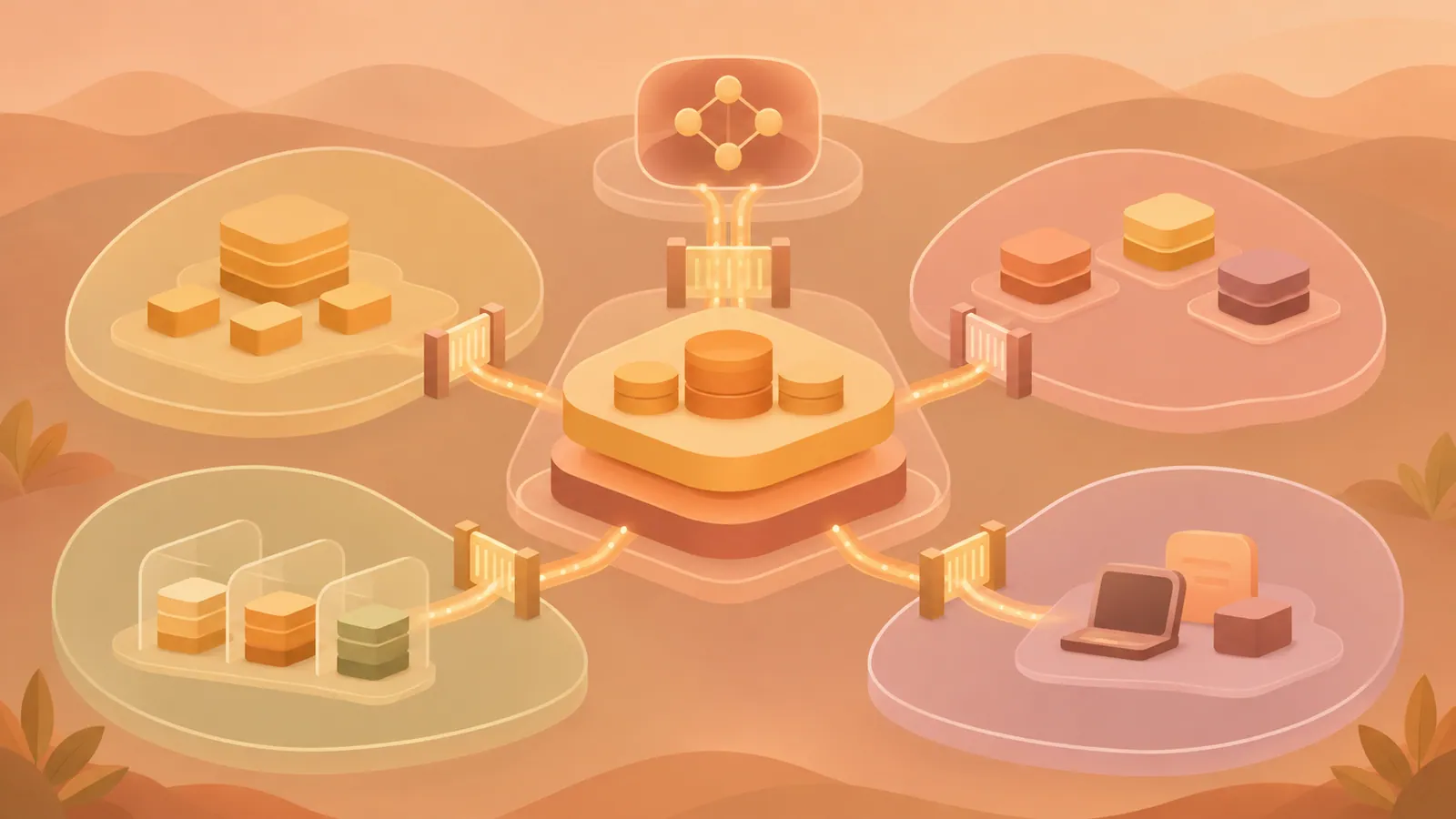
An AI-native analytics platform needs clear boundaries for ownership, product isolation, permissions, and AI access. PKSHA Technology’s Laplace establishes these boundaries along a shared path from raw data in BigQuery through dbt to Lightdash, allowing people and AI to use the same metric definitions.
Key Takeaways#
- Product developers handle data ingestion, transformation, metric definitions, and access decisions, while platform administrators provide the infrastructure.
- Each product has its own datasets, dbt project, and Lightdash project within the shared platform.
- Lightdash controls user access, while a separate application manages approved temporary access grants.
- AI uses the caller’s permissions and receives references for reproducing queries. PII row data is excluded from responses to the model.
Separate Ownership from Operations#
Assign storage, execution environments, authentication, and governance mechanisms to platform administrators. Give product developers responsibility for their own data, including ingestion, dbt models, metrics, PII classification, and access approvals.
Enforce this division through repositories and deployment credentials. Laplace separates infrastructure from dbt and limits dbt CI operations to a dedicated Kubernetes namespace. Product developers can change their dbt schedules without gaining permission to manage other workloads or identities.
Use identity federation instead of distributing long-lived keys. Laplace uses Workload Identity Federation for uploads from products, Workload Identity for GKE workloads, and Application Default Credentials for local development. The Glue ingestion path is an exception: its service account key allows table creation and writes but does not allow bigquery.tables.getData. This reduces the risk of data leaks through reads, but writes that damage data remain possible.
Use Products as the Unit of Isolation#
Use the same product identifier across four layers.
| Layer | Product boundary | |---|---| | GCS | A <product>/ prefix with scoped write permissions | | BigQuery | <product>_raw, _staging, and _mart datasets with IAM policies | | dbt | An independent project under projects/<product>/ | | Lightdash | A project connected to that product’s mart data |
Consolidate all ingestion paths into raw. File uploads are the default, while Datastream CDC handles tables that require updates and data freshness within 30 minutes. Some workloads use Glue writes when CDC’s volume-based costs are not justified. Make downstream transformations depend on raw data contracts without encoding which transfer path delivered a table.
Make product onboarding declarative. Laplace detects products/<product>/config.yaml files and creates resources through Terraform iteration. Adding a product means adding configuration within the supported feature set, rather than duplicating infrastructure definitions. Dataset names alone do not provide isolation. IAM must enforce ownership boundaries.
Manage User Access in One Place#
Make Lightdash the entry point for users, and keep metric definitions in the dbt schema.yml files that Lightdash reads. Do not give users direct access to BigQuery, as this would let them bypass Lightdash’s controls. Retain data warehouse access for product developers who need it to build models and investigate data.
Control data visibility through user attributes. Use model-level required_attributes to restrict table visibility and sql_filter to apply row restrictions based on the caller’s attributes. Laplace salts and hashes identifiers in staging and separates original PII values into dedicated _pii tables. Hashing reduces exposure risk but does not guarantee anonymity.
Handle temporary access grants in a separate application. In Laplace, product administrators approve requests, and the application database defines the desired permission state. Reconciliation removes unmanaged grants and records them for auditing. Link access grant records and Lightdash query history to BigQuery jobs. Data warehouse logs alone identify only the shared Lightdash service account, not individual callers.
Apply the Same Access Boundaries to AI#
Laplace’s hosted MCP server follows four rules.
- Authenticate interactive callers using their own Lightdash OAuth identities.
- Return compiled SQL and a URL for reproducing the query alongside query results.
- Keep PII row data out of the LLM; return execution status, row counts, SQL, and a URL for authorized users to view the results.
- Allow access requests, with approvals and revocations handled through a human-operated interface.
To detect PII, inspect table references in compiled SQL, including FROM and JOIN, rather than inferring it from field names. If compilation fails, fail closed and reject the request. A separate service account restricted to reading mart datasets also prevents Lightdash from accessing raw data.
These controls also need testing beyond the expected query paths. Check nested queries, metadata, errors, and generated SQL for sensitive values. Withholding result rows alone does not prove that every response is safe to send to the model.
Understand the Tradeoffs#
Laplace keeps supporting features outside the BI application. Its notification feature runs declarative rules and sends condition values, counts, and dashboard URLs to Slack without including row data. Because queries run with the bot’s permissions, rule ownership and editing restrictions matter. The bot may be able to access more data than the rule’s creator.
For automation, the OSS setup described for Laplace creates API-only bot users directly in Lightdash’s metadata database and issues PATs. This depends on internal structures and requires checks during upgrades. Verify each edition’s features in the version you deploy.
Data warehouse credentials restricted to mart also cannot compile the entire dbt project in Laplace’s existing preview workflow. This leaves gaps in validation for production Explore changes. Set up a validation environment with restricted permissions before extending this workflow.
Next Steps#
Create an access boundary document for one product, specifying the data owner, permitted ingestion paths, dataset permissions, PII tables, and identities used for human and AI queries.
Source: https://zenn.dev/pksha/articles/laplace-build-guide
Contents