Contents
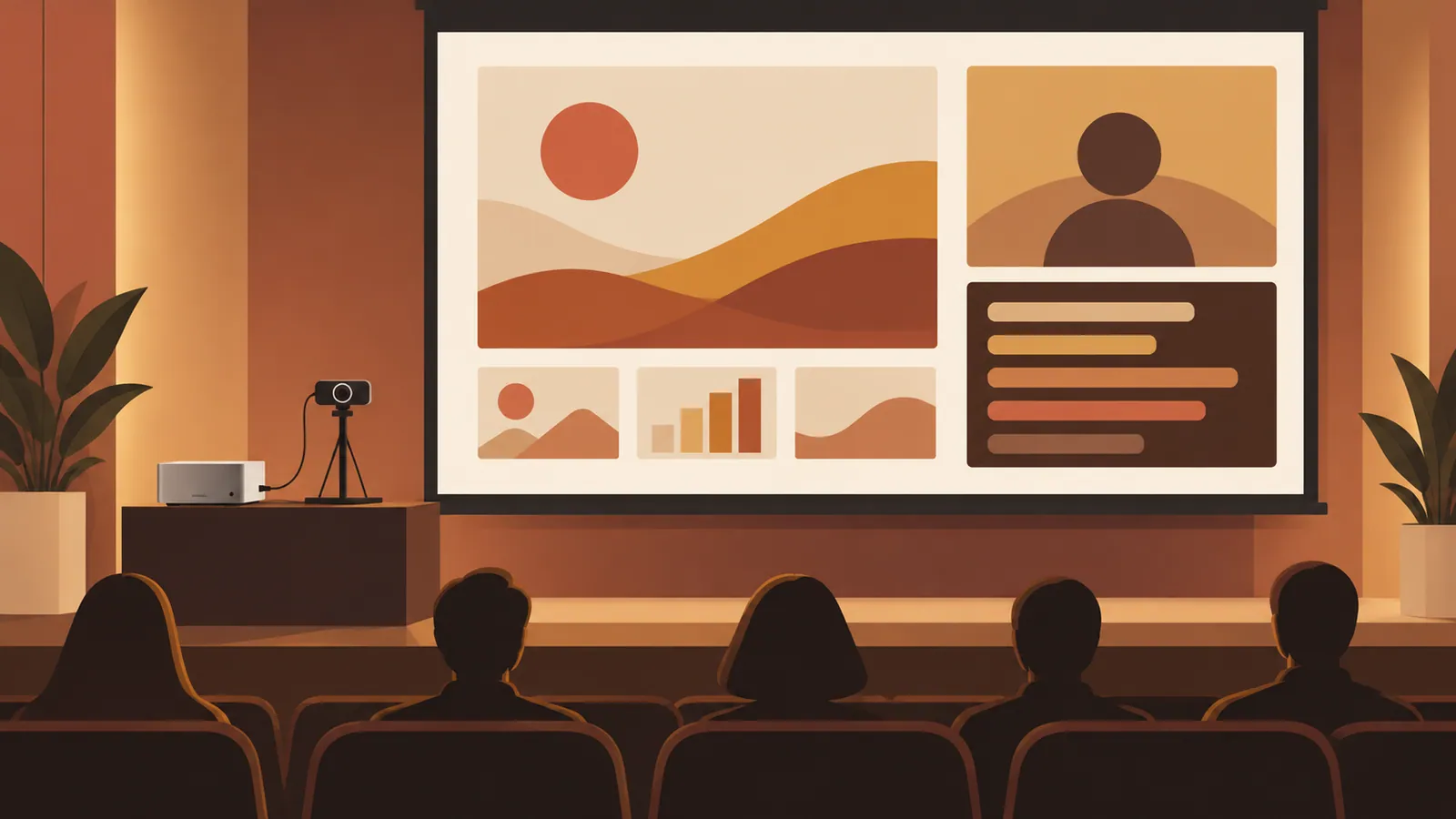
At FlutterKaigi 2026, held October 29–30, a Mac in each room combined slides, camera footage, and real-time translated subtitles into a single video feed. English talks received Japanese subtitles, and Japanese talks received English subtitles, with the same subtitles shown on venue screens, previews, and recordings.
Key Points#
- GStreamer combined two video inputs and subtitle images into a 1920×1080 output at 30 fps.
- Amazon Transcribe and Amazon Translate generated subtitles using terminology collected from presentation materials.
- Stable text was translated only once per segment to prevent repeated changes to subtitles already on screen.
- The hardware-encoded stream was shared across separate outputs for projectors, previews, and recordings.
Capture and Compositing#
Each room’s Mac received slides and camera footage through two Blackmagic Design UltraStudio devices. GStreamer’s decklinkvideosrc captured the inputs, and videorate reduced frame rates above 30 fps.
Speakers’ laptops are disconnected between talks. Setting ignore-inactive-pads=true on the compositor allowed compositing to continue when an input dropped out. Input format changes were logged, with warnings for 4K, 60 fps, HDR, or no signal.
A single compositor layered four elements: a background image, slides, camera footage, and subtitles. On the 1080p canvas, 1440×810 slides occupied the upper left, a 480×540 camera view sat on the right, and two lines of subtitles appeared below it. A JSON file controlled placement, dimensions, and whether each input fit within its frame or was cropped to fill it.
Transcription and Language Selection#
Audio from the camera-side UltraStudio was converted to 16 kHz mono and passed to Python through a pipe. Python sent the same audio to two Amazon Transcribe streams, configured for English (en-US) and Japanese (ja-JP), and translated the selected text with Amazon Translate.
Language selection used two indicators. A fast estimate measured the proportion of alphabetic characters in the Japanese stream’s latest partial result, identifying English at 0.7 or above and Japanese at 0.3 or below. A slower comparison used word confidence scores from final results. Since continuous speech can delay final results by 10–30 seconds, partial results were used to switch provisionally.
The scheduled language for each session was retrieved from a cached timetable. Switching away from that language required stronger evidence, such as consistent estimates from partial results for five seconds instead of one. This reduced switches triggered by English technical terms in Japanese talks. Tests replaying talk logs found no incorrect switches; switching took 4–6 seconds, or 7.7–10.6 seconds when switching away from the scheduled language. These tests do not guarantee performance across all talks.
Keeping Subtitles Readable#
Translating every partial result repeatedly changes the word order of the displayed sentence, especially between English and Japanese. Transcribe’s partial-result stabilization was therefore set to high, and each stable segment was translated only once, leaving translations already displayed unchanged.
The following rules were used to split segments.
- Prefer sentence endings.
- After 12 words, allow breaks at commas, connective expressions, or 0.3 seconds of silence.
- Force a break at 25 words, or after eight seconds with at least 12 words accumulated.
- Before breaking anywhere other than a sentence ending, check the next three stable words to avoid leaving only a short sentence ending in the next segment.
Python used Pillow to render subtitles as transparent PNGs. Subtitles used two lines of 72 px text, with Noto Sans JP for Japanese and Poppins for Latin characters. Lines wrapped based on measured width, targeting roughly 22 full-width characters. Each line stayed on screen for 2–5 seconds, and subtitles disappeared if no new line arrived for six seconds. GStreamer received updated images through fdsrc, and imagefreeze held the latest image. When the delay between the end of speech and subtitle display exceeded five seconds, display durations were gradually shortened without skipping lines.
Sending the Same Video to Each Destination#
The Mac encoded the video only once using vtenc_h264 at 8,000 kbps, with no B-frames and a one-second keyframe interval. Each output had an independent queue that discarded old data when backed up, allowing the other branches to continue processing.
| Output | Destination | Format and Purpose | |---|---|---| | RTP | Venue projector | H.264 without audio or MPEG-TS to minimize video latency | | SRT | Preview and recording PCs | H.264 and AAC in MPEG-TS, with retransmission support | | Backup HDMI | Direct wired display path | Local RTP video played full-screen with ffplay |
Reported latency through the projector path was approximately 0.14 seconds. This was video transmission latency, not transcription or translation latency.
The Mac listened for SRT connections on port 9000. OBS and the recording PC connected as callers, allowing receivers to be added without changing the sending Mac’s configuration. Recording used ffmpeg without re-encoding, with SRT latency set to 1,000 ms.
Terminology Preparation and Failure Testing#
Terms were collected from speakers’ PDFs, PowerPoint files, session titles, speaker names, and correction notes. English and Japanese Transcribe custom vocabularies aided recognition, while Translate custom terminology preserved intended translations, including names such as Gemini. A single terminology set covered the entire event.
If vocabulary or terminology resources were unavailable, the system issued a warning and continued without them. The timetable was cached locally, but cloud transcription and translation still required a network connection. The original report had not yet evaluated costs or translation accuracy.
Backup outputs also required testing on actual hardware. On some rental Macs, UltraStudio output caused crashes or kernel panics, so the production setup used the Mac’s extended display as the backup HDMI output.
Next Steps#
Run a full rehearsal with representative English and Japanese talks, including laptop disconnections, language switches, and SRT receiver restarts, and measure subtitle latency separately from projector video latency.
Source: https://zenn.dev/hiro_pon/articles/2f3b68ec60ddae
Contents