Contents
AWS has released AWS Emulator, a free tool for testing applications by emulating AWS APIs locally without an AWS account. Developers can run tests repeatedly offline, but production readiness must be validated on actual AWS.
Key Points#
- AWS Emulator runs locally, is free to use, and requires no AWS account.
- Developers can create and manage emulated resources using AWS SDKs and the AWS CLI.
- According to AWS, the emulator aims to match actual AWS behavior for both successful API responses and errors.
- The source code is available on GitHub under CC0 1.0, and AWS says it will maintain compatibility as APIs change.
What AWS Released#
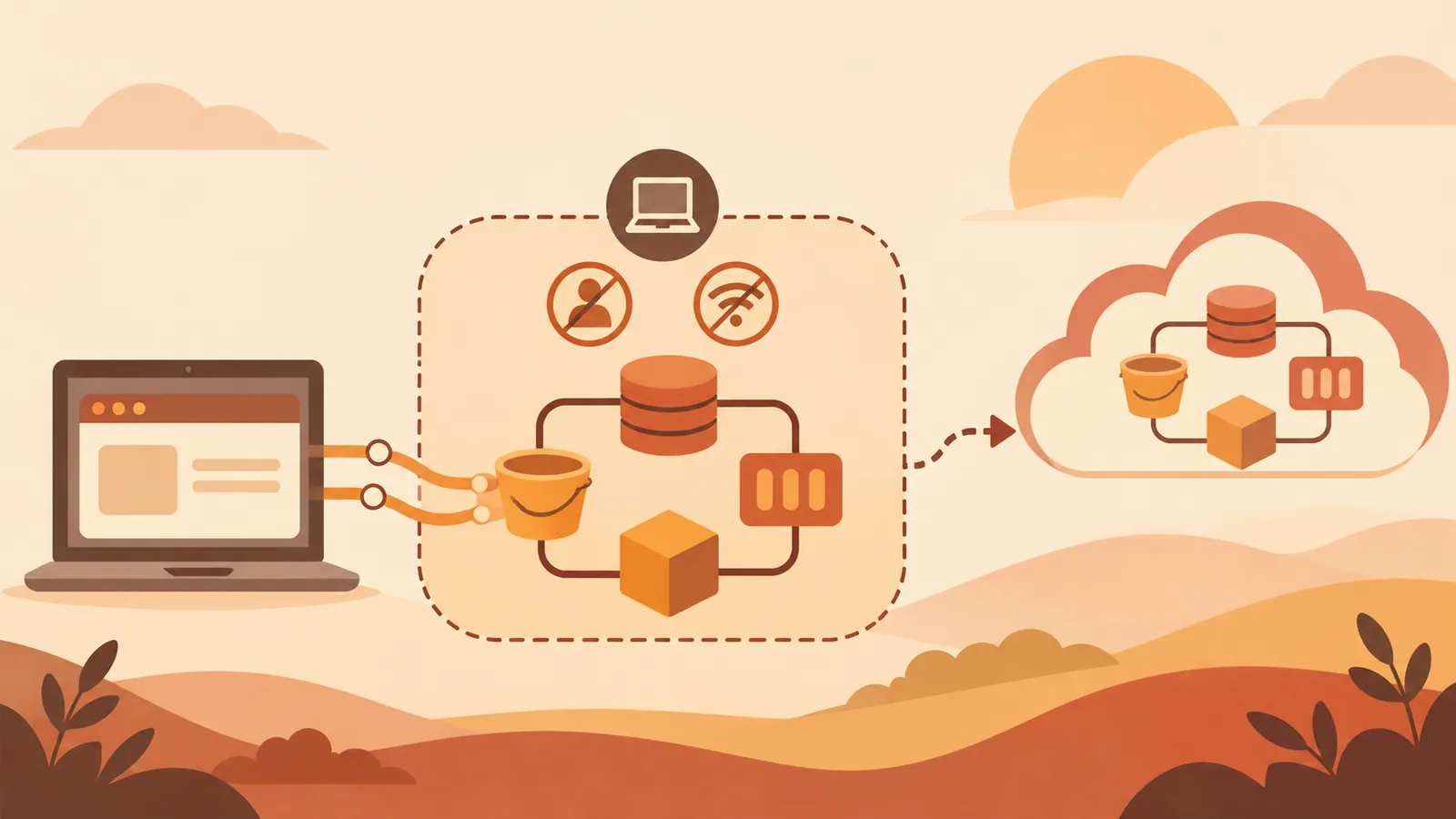
AWS Newsroom announced AWS Emulator on November 11, 2026. The tool emulates AWS service APIs on a local machine, allowing application code to interact with a local test environment instead of calling AWS.
What matters is API behavior. According to the announcement, valid requests return the same results as AWS, and invalid requests return the same errors. This lets developers test how their applications handle both successful and failed requests.
The announcement materials provided do not identify supported services or API operations. Check the official documentation before assuming that the features your application depends on are supported.
When Local Testing Helps#
The tool is most useful in development cycles that repeatedly create resources, send requests, and check results. Running these tests locally reduces reliance on cloud connectivity and avoids AWS service charges for requests handled by the emulator. Local computing resources and CI infrastructure still incur costs, however.
This is particularly useful when coding agents frequently generate changes and run tests. An emulator provides a local endpoint where agents can check application behavior without requiring an AWS account for each development environment.
The actual benefits depend on coverage. Some applications need only accurate emulation of a few APIs, while others depend on unsupported operations. Check which APIs your tests actually call before migrating a large test suite.
How to Evaluate It#
Start by selecting one existing integration test. Follow the official instructions for installation and connection. The materials provided do not include verified download commands, endpoint settings, or system requirements.
Evaluate it in these four steps.
1. List the AWS services and API operations used by the selected test, and compare them with the coverage documented for the emulator. 2. Follow the official instructions to configure the test's SDK or CLI to connect to the local emulator. 3. Run one successful request and one deliberately invalid request, checking the response fields and error handling your application depends on. 4. Run equivalent tests in a controlled AWS test environment and compare the results.
Make the configuration explicit so developers know which environment receives each request. A successful local test provides useful evidence only when you understand what it verified.
What Still Needs Verification#
Matching API responses does not necessarily mean that every operational characteristic matches AWS. Before using the emulator for a particular test, check the documentation for how permissions, persistence, service limits, and interactions between services are handled. These details cannot be confirmed from the announcement materials provided.
AWS also says that autonomous AI agents running on Amazon Bedrock AgentCore wrote all of the emulator's code. Hundreds of agents worked in three teams, and changes passed automated merge gates checking compilation, security, coding standards, and fidelity to AWS behavior. This describes the development process; compatibility still needs to be evaluated through documentation and testing.
The repository is covered by CC0 1.0, which provides a public domain dedication and fallback terms where that dedication is not effective. If your organization requires approval records, review the repository's license and notices. AWS's commitment to keeping up with API updates is useful, but check each release's notes before relying on newly introduced AWS behavior.
Next Steps#
Select one existing AWS integration test, run it with AWS Emulator, and compare its successful response and one expected error with actual AWS before expanding local test coverage.
Source: https://www.publickey1.jp/blog/26/awsawsaws_1.html
Contents