Contents
JevHarness · Pokémon Lab is a page for comparing actions written by an agent with options chosen by Jev in recorded Pokémon battles. The page does not run new battles or send model requests, so start by reviewing the playable recording and Jev’s responses.
Key Points#
- The page displays a winning recording labeled “AutoJev · Turn 15.”
- “Play highlights” lets you replay highlights from the recorded match.
- “4 featured moments” is the number of highlighted scenes; some turns are omitted between chapters.
- Decision preview time and recorded call duration are treated separately.
- The detail view shows Jev’s arguments and results for each moment.
What the Page Shows#
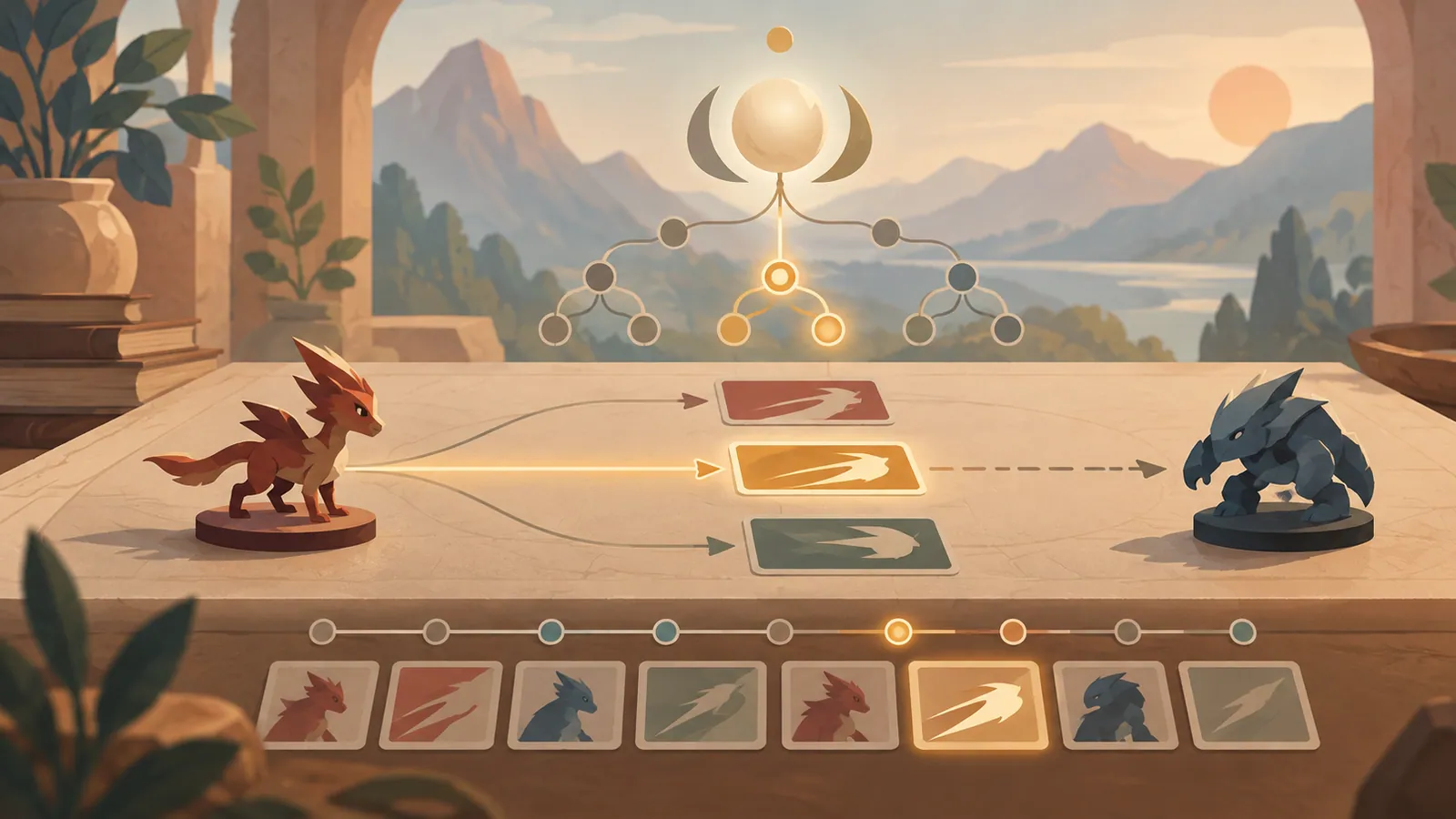
This page lets you review saved battle results, rather than start a Pokémon battle on the spot. The heading reads “THE AGENT WRITES THE CALL. JEV JUDGES THE OPTIONS.” This describes a process in which the agent proposes actions and Jev evaluates the options.
The displayed recording is labeled “ARCHIVED RESULT,” “VICTORY,” and “AutoJev · Turn 15.” At least as presented, it is a winning AutoJev recording associated with turn 15. However, this information alone does not reveal the opponent, team composition, or full sequence of actions leading to victory.
Playing the Highlights#
Click “Play highlights” to replay key moments from the saved battle. The label “4 featured moments” indicates that four scenes are featured. During playback, use “↺ Restart” to watch again from the beginning.
Playback speeds are “1×,” “2×,” and “4×.” Start at 1× to follow the decision process, then switch to 2× or 4× once you understand how things unfold. Pauses that make the preview easier to read are separate from the time the actual Jev call took. Do not infer the model’s response speed from playback speed or pause duration.
Reviewing the Reasoning#
“Exact Jev arguments and results for this moment” shows Jev’s arguments and results for the selected scene. Here, you can follow which options were evaluated and what decision was reached. The value of this page lies in comparing the agent’s proposed actions with Jev’s evaluations, rather than simply looking at wins and losses.
“Full battle & initial comparison ↗” appears as a link to the full battle and initial comparison information. To examine individual decisions, first locate a scene in the highlights, then check this link or the arguments for that moment. Open the link to see what form the comparison takes.
When the Display Does Not Load#
The page also has loading indicators such as “Loading highlights,” “Loading the featured moments…,” and “Turn —.” While these appear, the highlights or turn information may not yet be available. Wait for loading to finish before playing, then check the scene count and turn display.
The page explains that parts of the recording are omitted, including turns between chapters. Avoid drawing conclusions about the entire match from just the four featured moments. It also explicitly states that the page does not run new games or send model requests. The displayed results are based on a recorded game and Jev’s responses, rather than a battle happening live.
Next Step#
Start by playing “Play highlights” at 1×, then open “Exact Jev arguments and results for this moment” for a scene that interests you to compare the options and results.
Source: https://jev-harness.tianyuchen99.chatgpt.site/
Contents