Contents
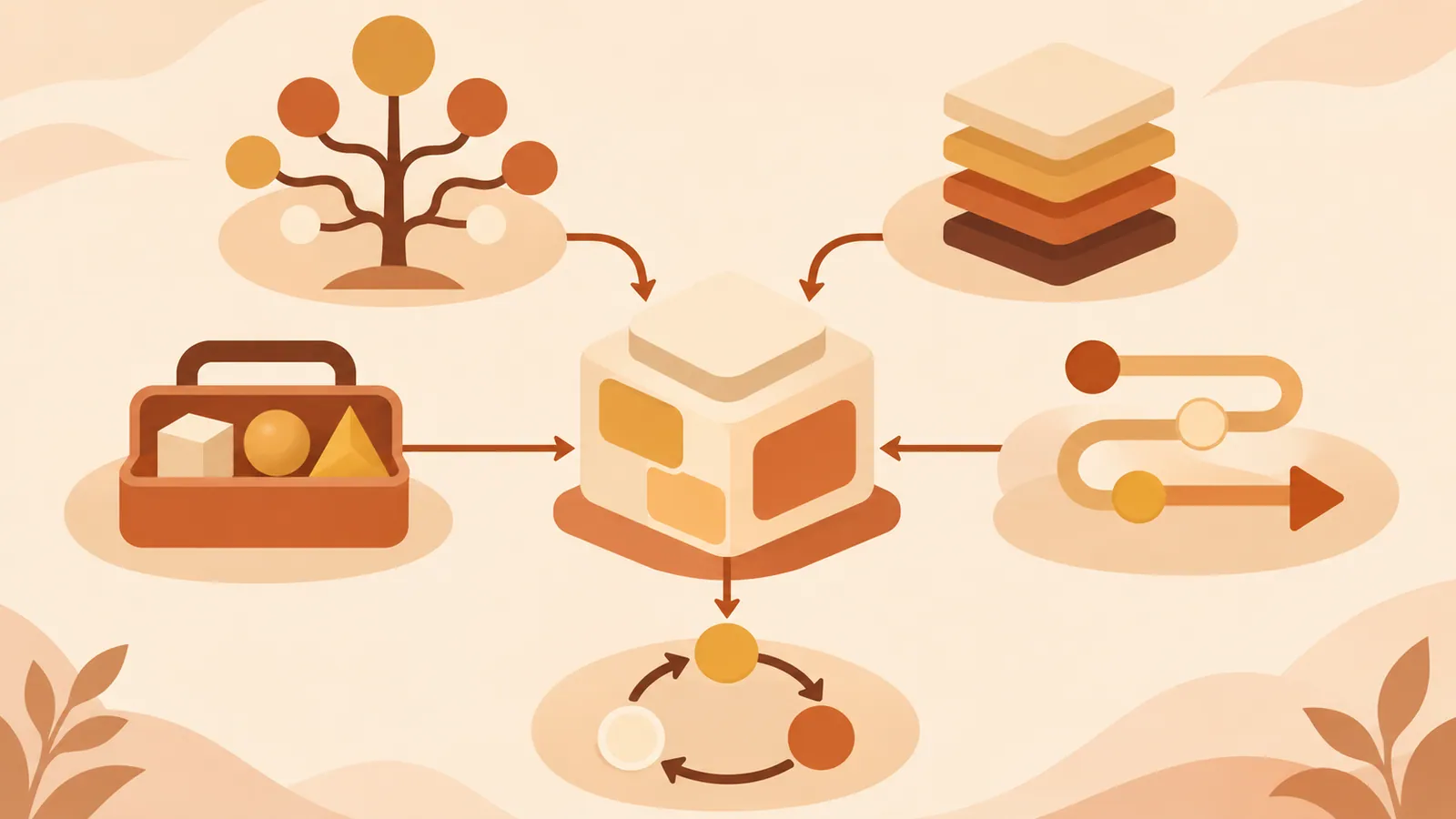
Skills need more than proper formatting to be effective. Choosing a design pattern that fits the task and defining how knowledge is loaded and work proceeds makes ADK agents more consistent.
Key Points#
- Use Tool Wrapper to load knowledge about a specific library only when needed.
- Use Generator to separate templates from procedures when creating documents in a fixed format.
- Use Reviewer to separate checklists from evaluation methods when reviewing code against standards.
- Inversion suits tasks that require gathering requirements; Pipeline suits tasks that must follow a set sequence.
- The five patterns can be combined, so choose only what the task needs.
1. Load Knowledge When Needed with Tool Wrapper#
Tool Wrapper packages rules for a specific technology, such as FastAPI, into a Skill. Instead of cramming conventions into the system prompt, it reads reference files when the relevant work begins.
For example, state in SKILL.md that the Skill is for FastAPI development, reviews, and debugging. Instruct the agent to read references/conventions.md when starting work, follow the conventions when writing code, and identify violations and suggest fixes during reviews.
This keeps convention updates in one reference file. It works well when you want an agent to follow team-specific rules or guidance for a particular library. For requests with an unclear scope, specify in the Skill description when it should load.
2. Standardize Output with Generator#
If reports keep coming out with different structures, use Generator. Separate the output template from the style guide, and describe in the Skill how to load and fill them in.
For example, put the section structure in assets/report-template.md and writing guidelines in references/style-guide.md. Set the generation steps in this order: read the guide, read the template, ask for missing information, and fill in every item. This also works for outputs that need a consistent format, such as API documentation and commit messages.
If you skip asking for missing information, the agent may fill gaps with guesses. List the required inputs explicitly and define how to handle missing information.
3. Separate Criteria from Judgments with Reviewer#
Reviewer separates what to check into a checklist and how to report it into the Skill. When it receives code, it reads the criteria and returns violations grouped by severity.
For example, prepare a Python-focused references/review-checklist.md, and include the location, severity, reason, and suggested fix for each finding. Severity levels can be defined as error, warning, and info. By swapping the checklist while keeping the same procedure, you can switch from Python quality checks to OWASP checks.
Vague criteria lead to less consistent judgments. Go beyond abstract items such as “make it readable” and describe the conditions that constitute a problem and the expected fixes.
4. Ask Questions First with Inversion#
Starting work without enough information often produces results that miss the requirements. With Inversion, the agent asks questions first and creates a plan or document once it has the answers.
For a project plan, first ask about the problem to solve, the users, and the scale. Next, confirm the runtime environment, technology preferences, and constraints such as performance and budget, then compile everything into a template. The key is to specify the question order and when to wait for answers in the Skill.
Too many questions delay the start. Focus on questions that affect the deliverable, and define upfront when the required answers are complete.
5. Enforce the Sequence with Pipeline#
Pipeline works well when multiple tasks must be completed in order. Define each stage and the conditions for advancing, so the agent cannot move on until the previous stage is complete.
For API documentation, list the public APIs and confirm the list with the user. Next, prepare docstrings following the style guide, obtain approval, and incorporate them into the template. Finally, check for omissions using a checklist. If approval is required along the way, explicitly state, “Do not proceed to the next stage until confirmation is received.”
More stages mean more waiting. Place gates only where approval is needed, and specify the materials to load at each step to make the process clear.
Next Steps#
Start by choosing one task to automate and deciding whether its main purpose is to apply knowledge, create standardized output, check against criteria, ask questions first, or follow a sequence. If you need several patterns, try combining them—for example, adding Reviewer at the end of Generator—and start with a minimal Skill.
Source: https://x.com/GoogleCloudTech/article/2033953579824758855
Contents